
Wiko View 4 lite w-v730 repair IMEI solution
1- turn off the phone
2- then go to Chimera
3- press the volume down and up button, chimera will recognize the phone
4- press the Repair IMEI option

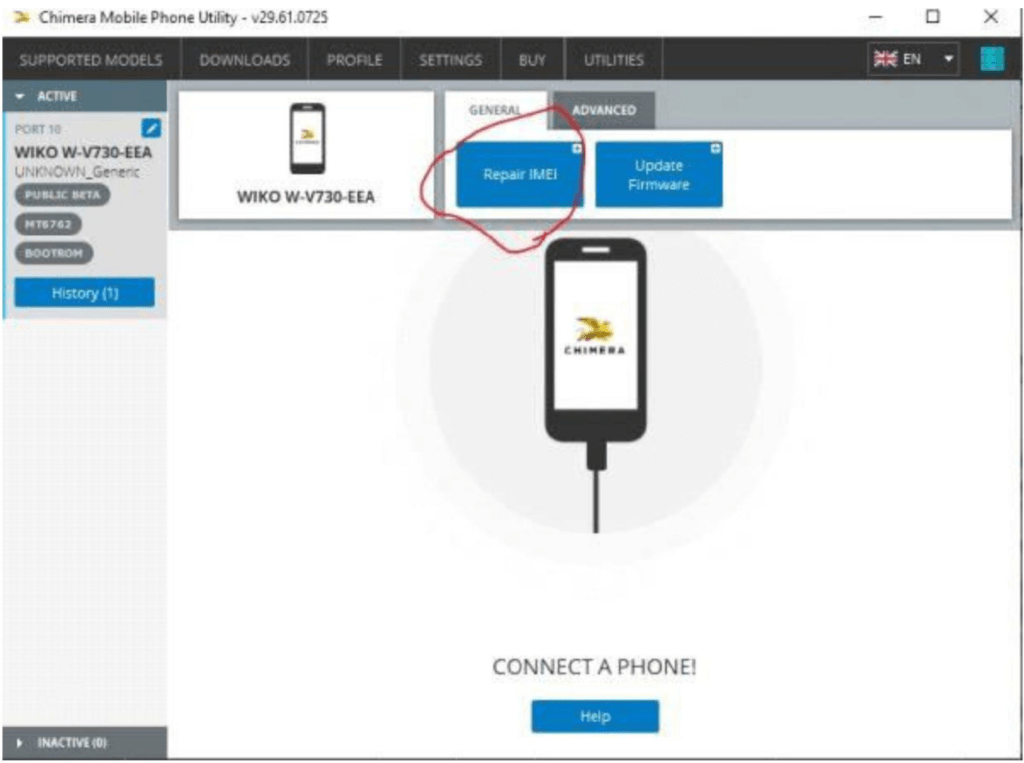
5- Type Imei and Repair
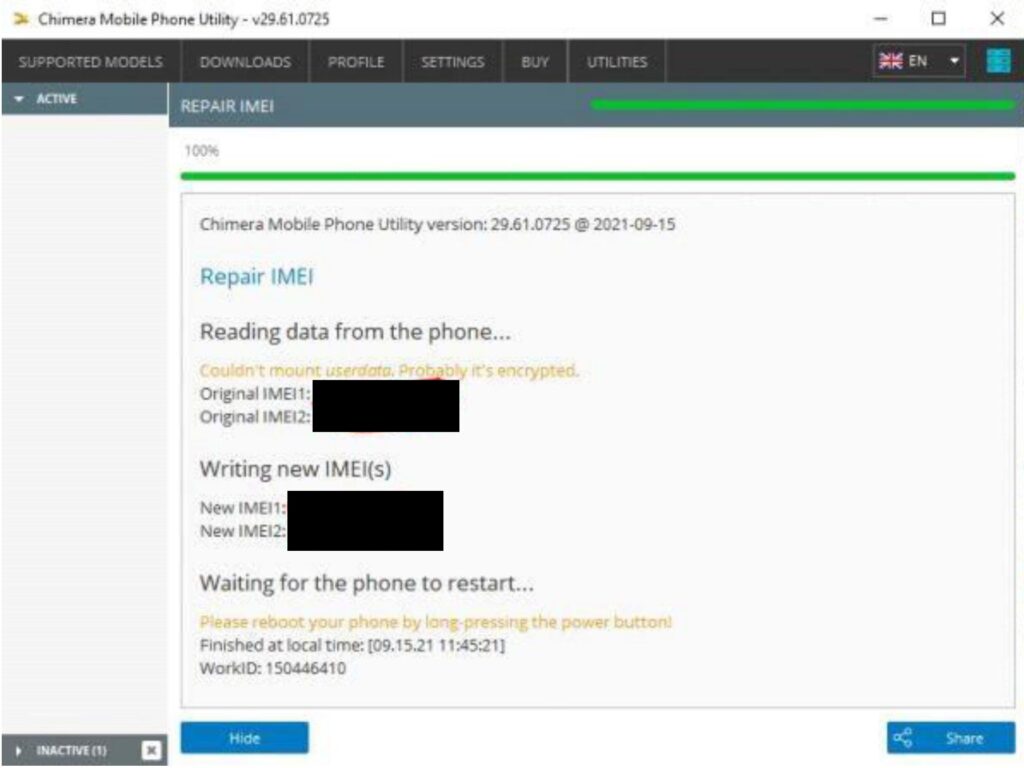
6- chimera will complete the process

Done.
Disclaimer
Frpgods.com does not take responsibility for changing IMEI.

This tutorial is only for repairing the phone original IMEI.
IMEI changing is strongly prohibited.