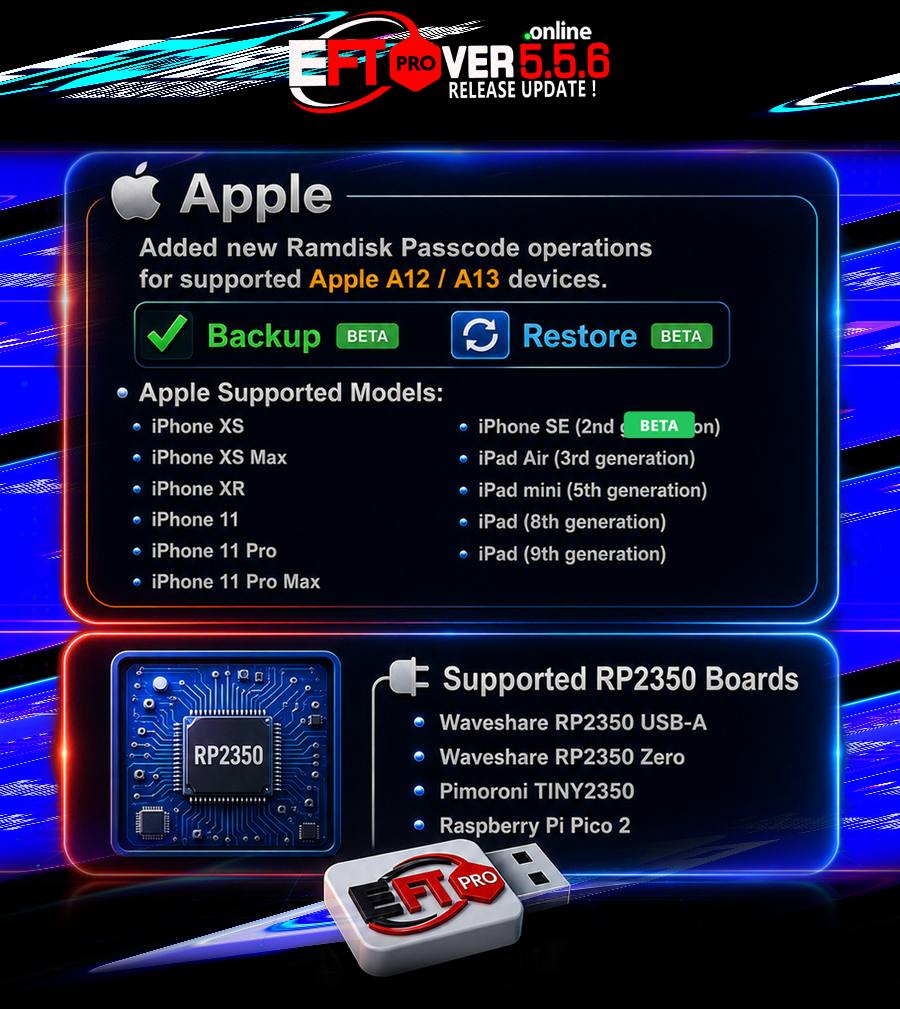
EFT Pro Dongle Update V5.5.6 Build 001 is released :
What’s New in This Update?
[Apple – Ramdisk]
Added new Ramdisk Passcode operations for supported Apple A12 / A13 devices:
• Backup BETA
• Restore BETA
Apple Supported Models:
• iPhone XS
• iPhone XS Max
• iPhone XR
• iPhone 11
• iPhone 11 Pro

• iPhone 11 Pro Max
• iPhone SE (2nd generation)
• iPad Air (3rd generation)
• iPad mini (5th generation)
• iPad (8th generation)
• iPad (9th generation)
Requirements:
• Compatible RP2350 Hardware Pwner running usbliter8 firmware.
• Device must first be placed into Pwned DFU Mode.
• Use Prepare usbliter8 Board to automatically detect and flash supported RP2350 boards.
Supported RP2350 Boards:

• Waveshare RP2350 USB-A
• Waveshare RP2350 Zero
• Pimoroni TINY2350
• Raspberry Pi Pico 2
Note: Any compatible RP2350-based board flashed with usbliter8 firmware is also supported.
Usage Flow:
1. Connect the RP2350 Hardware Pwner to the PC.
2. Put the iPhone or iPad into DFU Mode.
3. Connect the device to the RP2350 USB-A port.
4. Reconnect the RP2350 board to start the pwn process.
5. Connect the device to PC with a normal cable (Device Pwned).

6. Open EFT Pro → Apple › Ramdisk › OneClick › Boot Passcode/Hello iOS 11.x – 26.x One Click → press Start.
7. Follow the EFT Pro log steps guide.
8. Select Backup to save the Ramdisk-mode data.
9. Erase Device.
10. Select Restore to restore a previously created backup.
Job Done. Enjoy!
===============================================
 Update your dongle now and enjoy the latest features instantly!
More devices will be added gradually after testing!
===============================================